 quadrille
The infinite sheet of graph paper for ideas, diagrams and teamwork.
Whiteboard, mind maps, flowcharts, moodboards and documents on one canvas. Hand-drawn when you think, elegant when you present.
Works offline. Your boards stay on your device until you decide to share them.
How it works
- 1Open the sheet. No sign-up: the first board is already there, with an example to take apart.
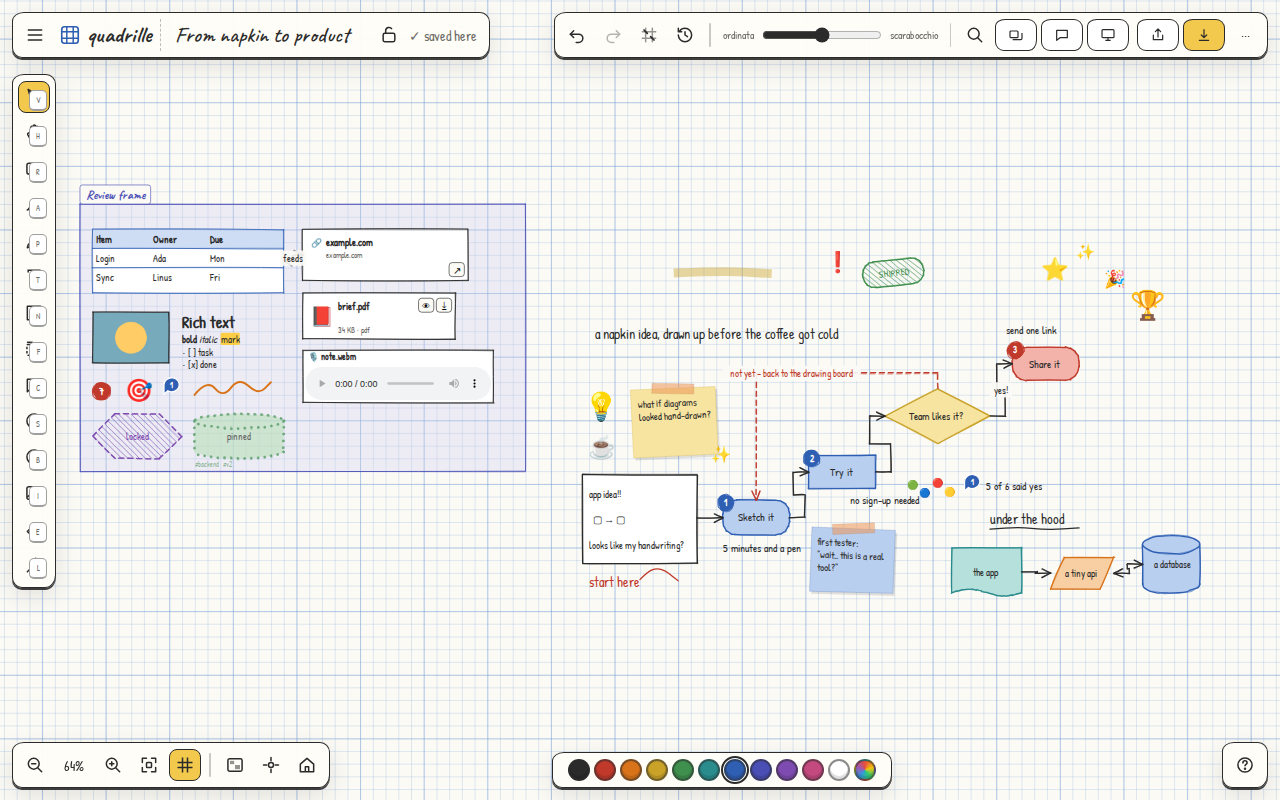
- 2Draw, write, connect. Shapes, arrows that stay attached, sticky notes, rich text, photos, files, tables, frames.
- 3Share when you like. A link and a password: whoever has them edits the board with you live, from any device, no account required.
Everything you need, on one sheet
Every element can be edited, connected, commented and locked. All the features →
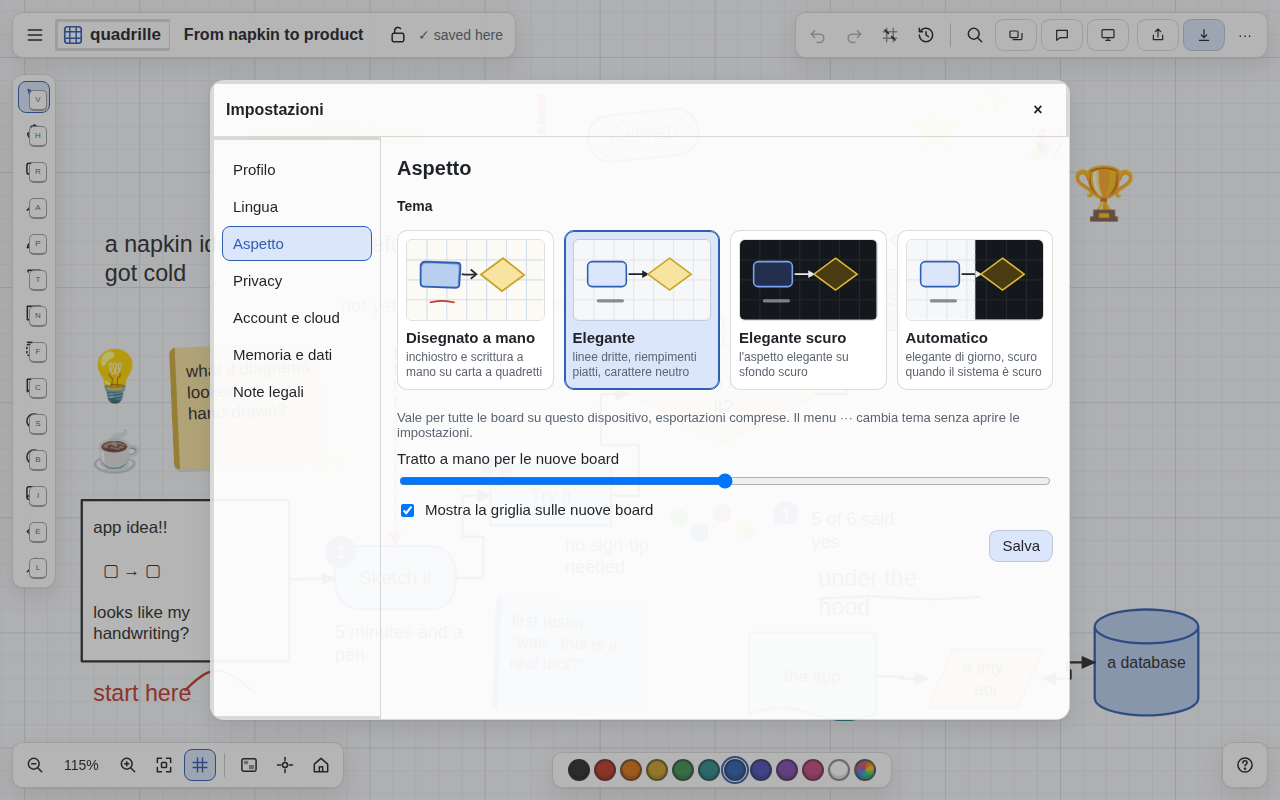
Four looks, the same data
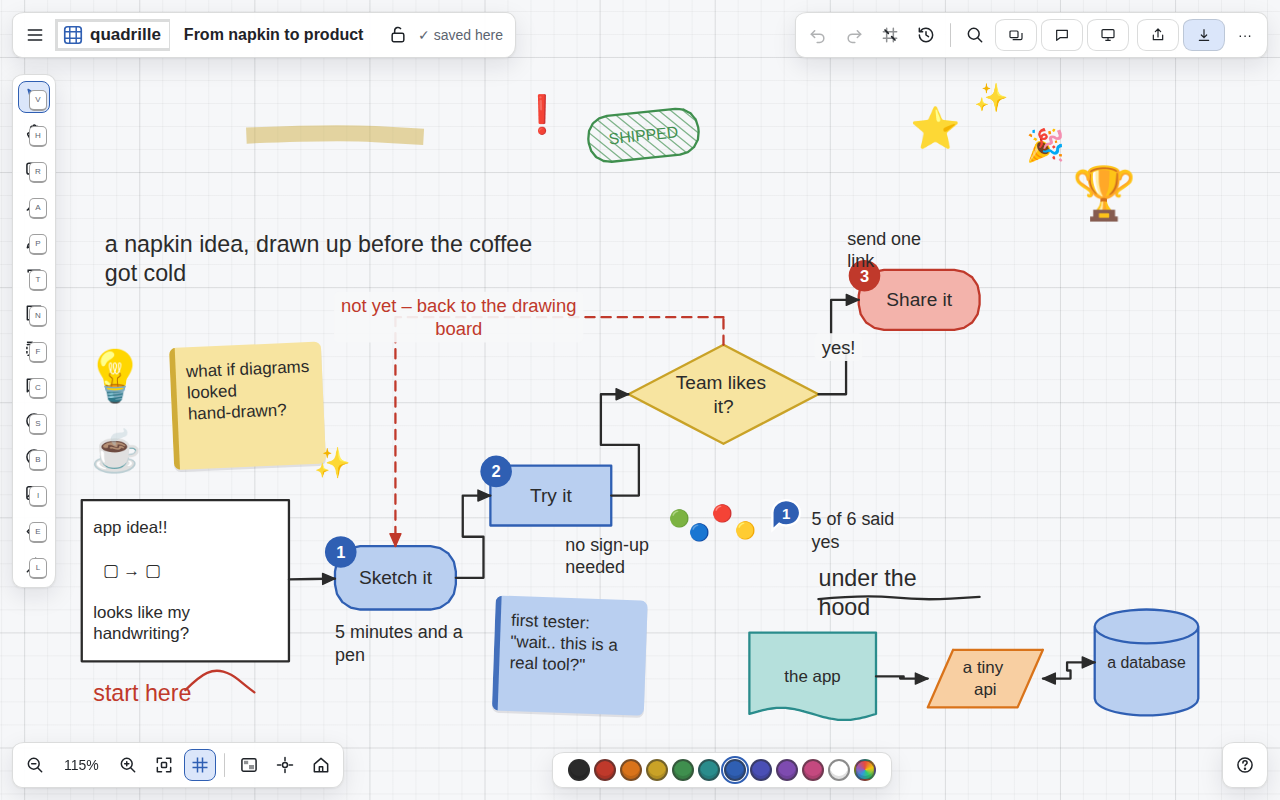
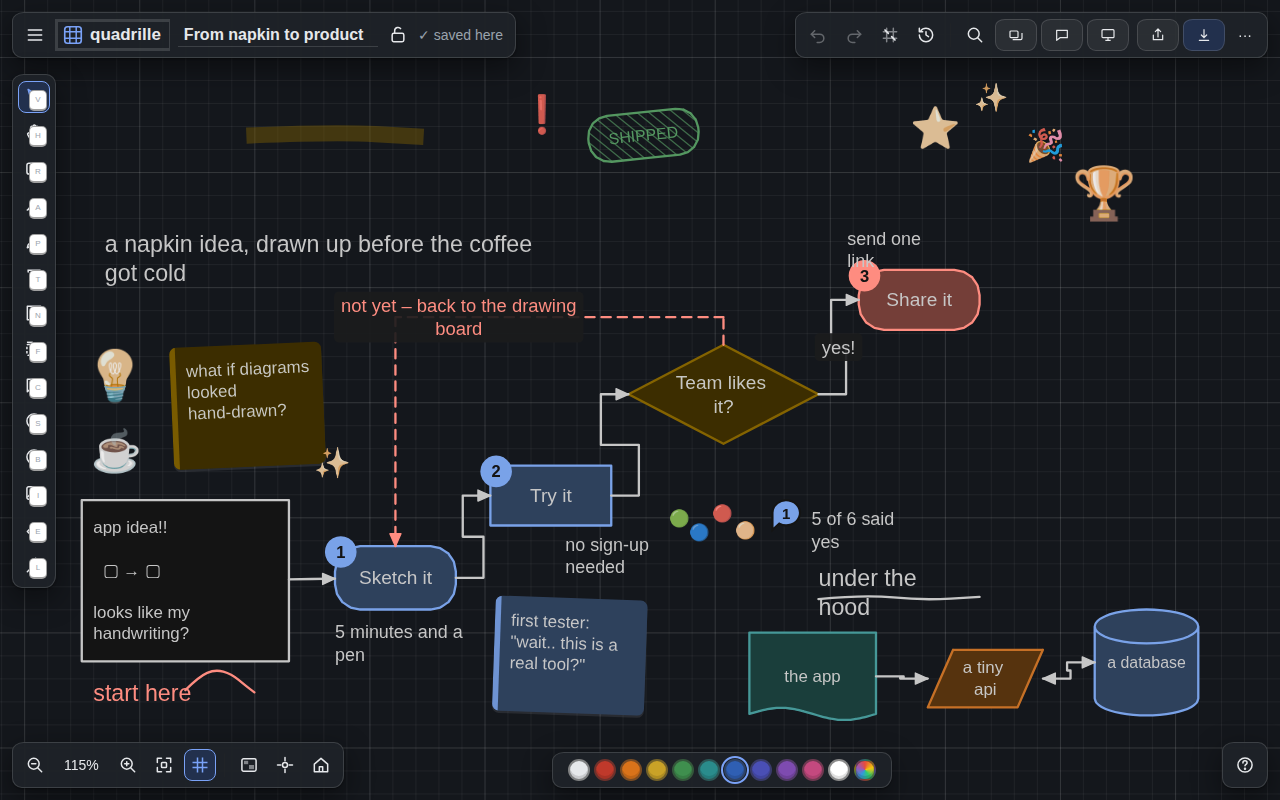
Hand-drawn to think, Elegant to present, Elegant dark for the evening, Automatic to follow the system.
On the phone as on the desktop
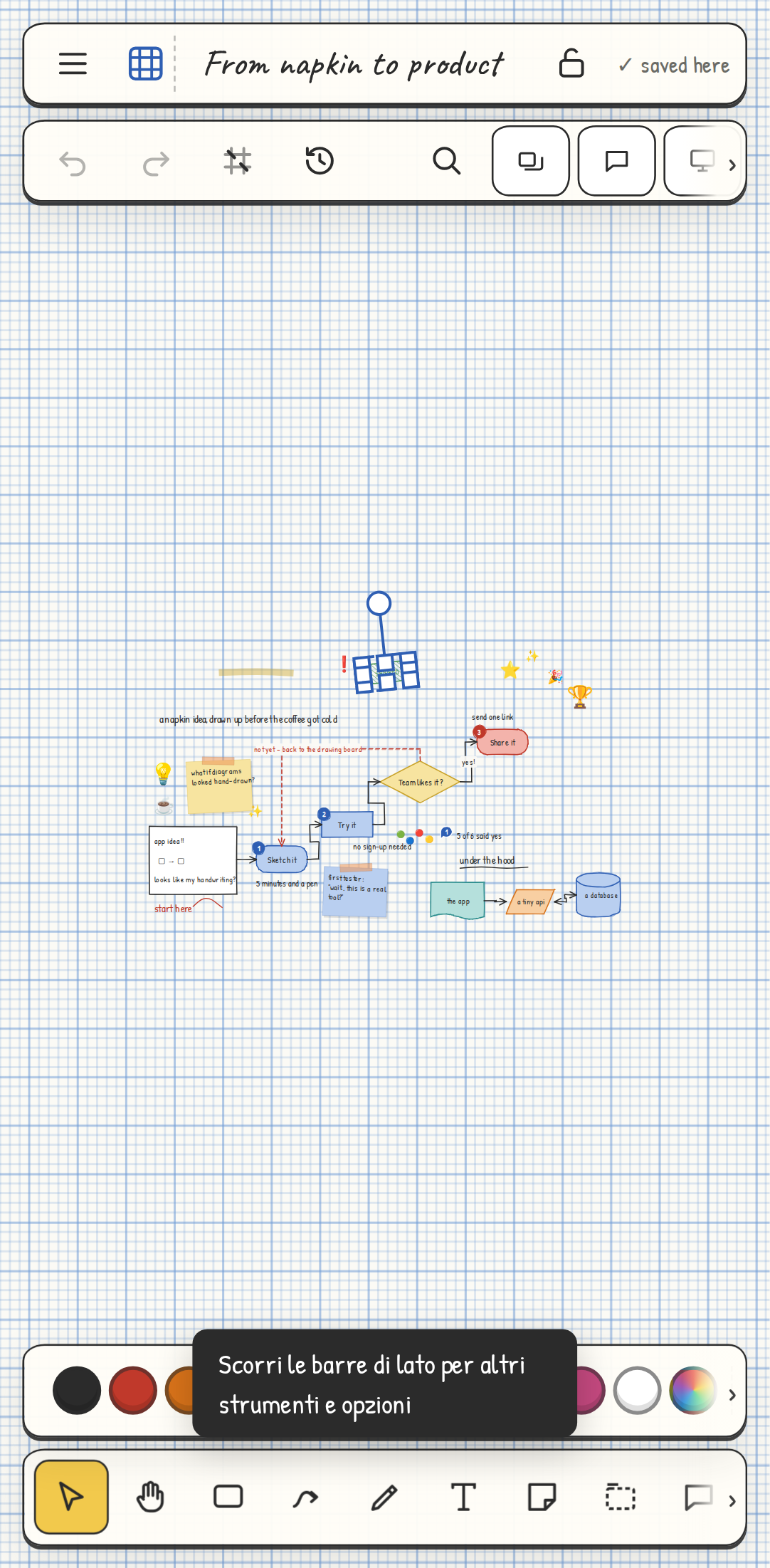
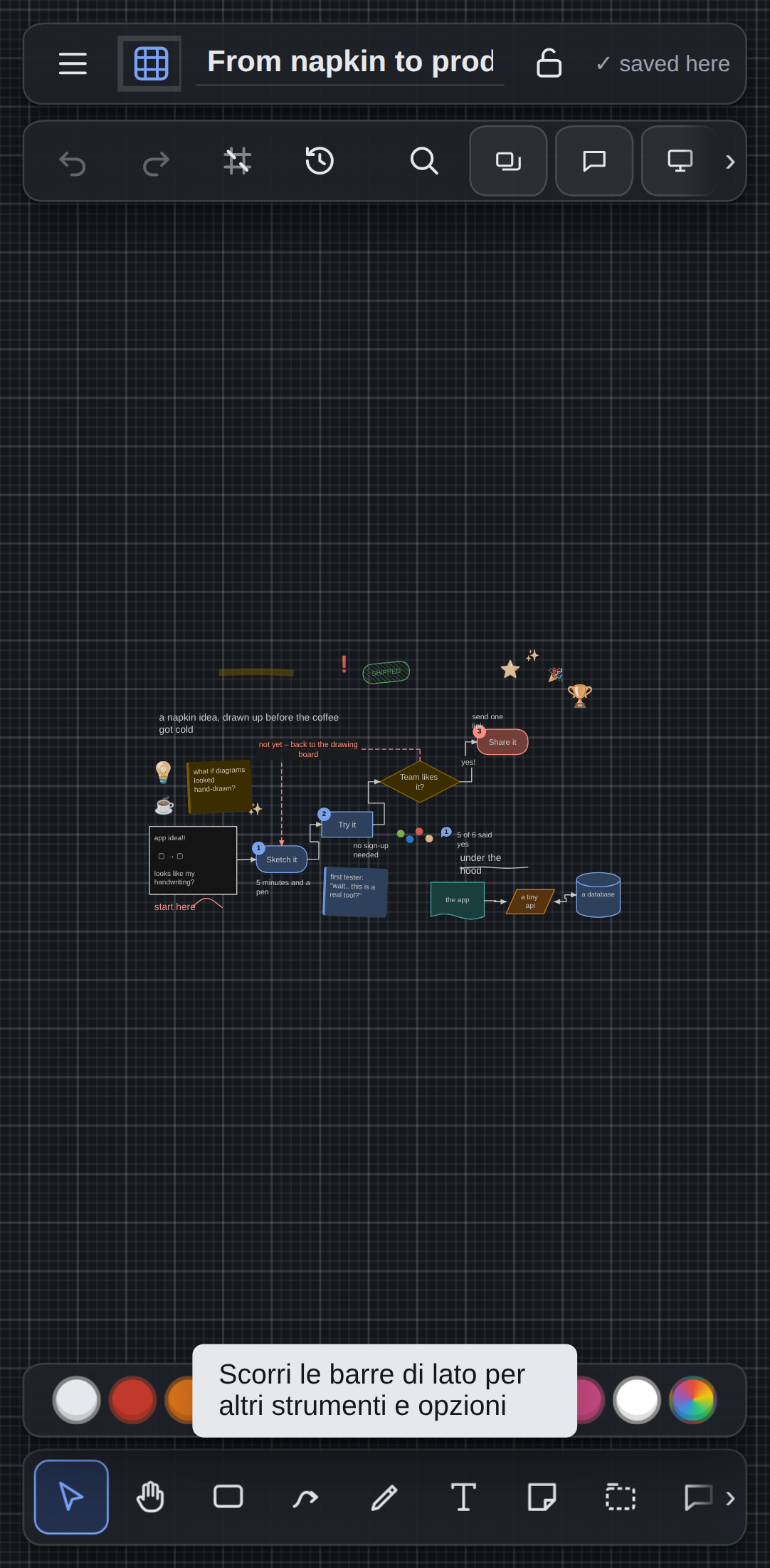
Toolbars scroll sideways, menus open with a long press, the pen feels pressure. The same board opens on the computer with nothing to convert.
Your stuff stays yours
Frequently asked questions
How much does it cost?
Nothing. quadrille is free for personal and team use. If paid features ever arrive, today's features stay free.
Do I need an account?
No. Without an account everything stays on the device. An account is only for syncing across devices. Collaborating on a board needs no account either: Share → a password → "Create the link", and whoever has the link and the password works with you.
Does it work offline?
Yes, on every platform. Changes made offline sync as soon as you are back online.
Can I take my data with me?
Always: a full JSON of every board from Settings → Storage & data, or PNG, SVG, PDF and Markdown per board.
I come from Apple Freeform: can I bring my boards?
Yes. Freeform only exports PDF: in Freeform choose Export as PDF, then in quadrille ··· menu → Import from Apple Freeform. The board is rebuilt, not photographed: boxes with their text and colour, sticky notes with their tilt, arrows attached to their boxes, sections, text, photos and icons come back as elements you can move, edit and connect. Any vector PDF works, from Keynote or PowerPoint too. The comparison with Freeform →