Drawing and diagrams
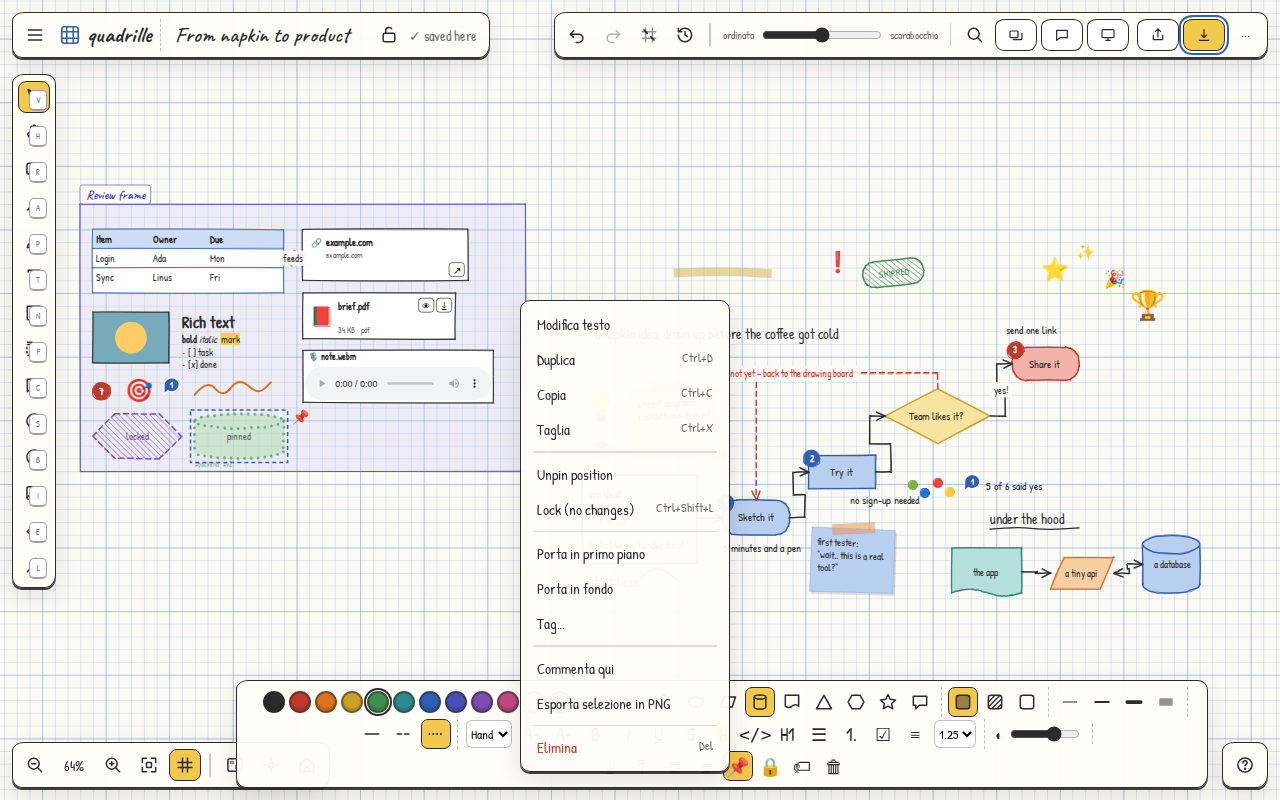
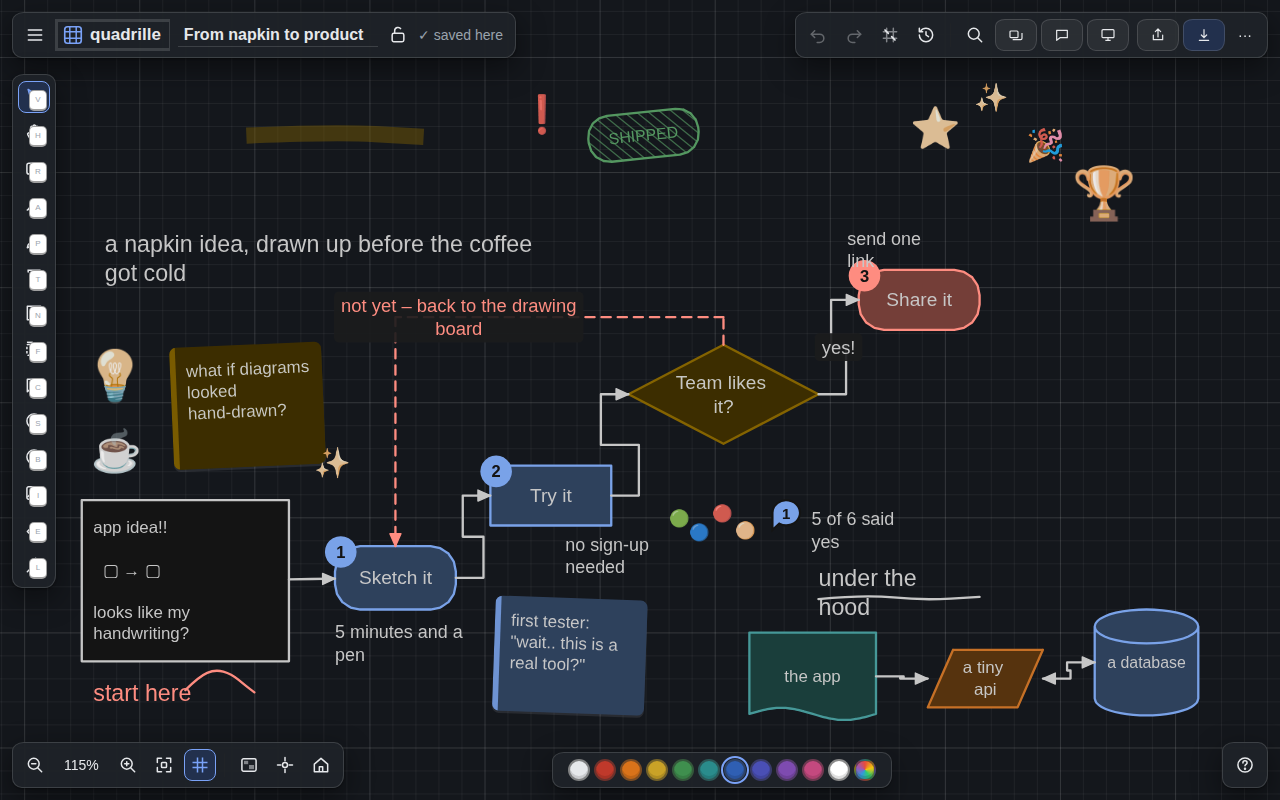
- Eleven shapes: rectangle, rounded, ellipse, diamond, parallelogram, hexagon, cylinder, document, triangle, star, cloud. Hachure, solid or empty fill, four stroke widths, dashes.
- Connectors: elbow, straight or curved, with a label, an arrowhead at one or both ends. They start on a shape and stay attached when it moves; drag an end onto a side to re-route.
- Pen with stylus pressure, eraser, highlighter and a laser pointer for explaining.
- Sticky notes with tape (hand-drawn theme) or a coloured edge (elegant theme), numbered badges, emoji stickers.
- Rotate, snap, order: rotation handle (Shift snaps to 15°), snap to grid, "Tidy" aligns everything, arrow keys nudge by 1 or 10 px, front and back with [ and ].
Rich text everywhere
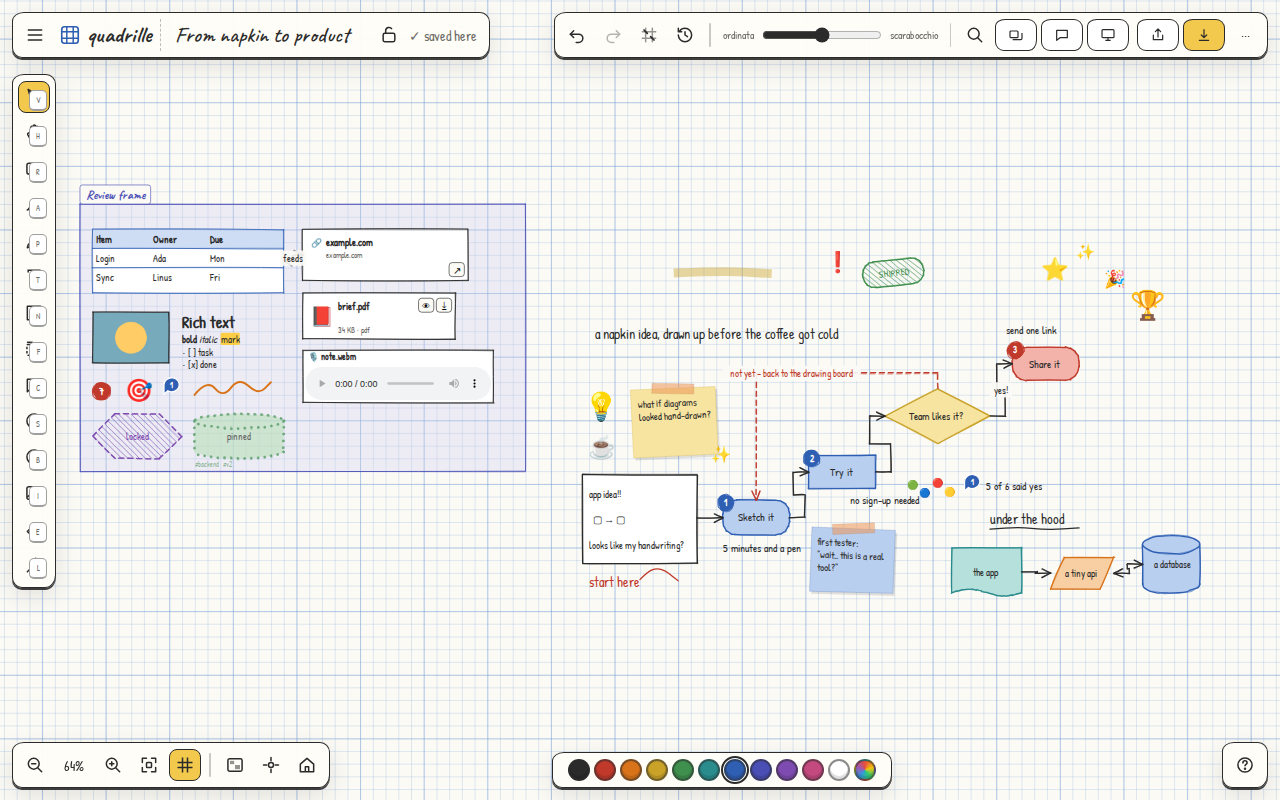
- Inside any element: bold, italic, underline, strike, highlight,
code, links, headings.
- Bullet, numbered and task lists with boxes to tick. Type
- , 1. or [ ] at the start of a line, or use the style bar buttons.
- Four type families, line height, alignment, size. The Markdown shortcuts also work when pasting.
- Tables with editable rows and columns, also from a CSV dropped on the sheet.
Organising and finding
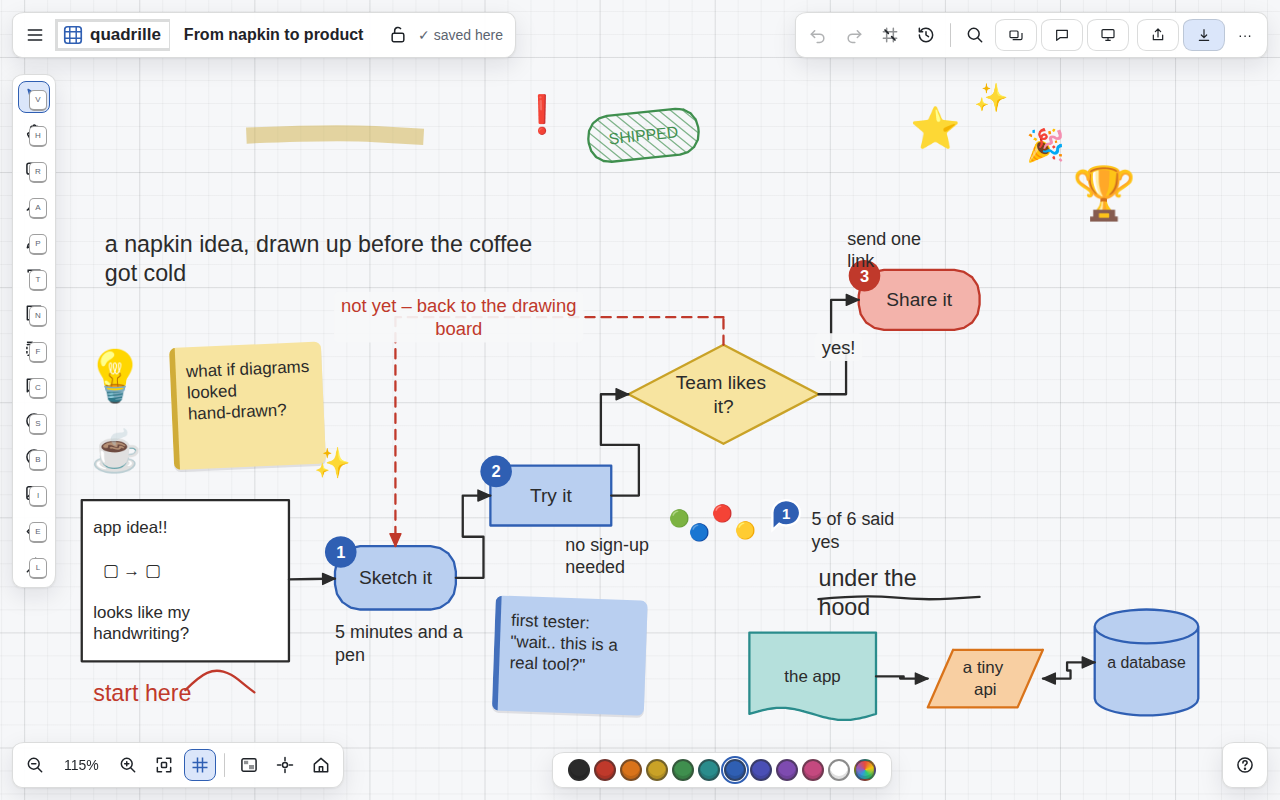
- Frames with a title that group a section: move the frame and everything moves, lock it and the contents are protected.
- Groups, pin and lock: pin the position, lock an element, lock the whole board against accidental changes.
- Comments pinned to the sheet with threads and resolve; tags on elements; search in the board's text, notes and comments.
- Scenes: save the views that matter and present them as slides with the laser pointer.
- Versions: unlimited undo and redo, automatic versions every 25 changes and named versions, one-click restore.
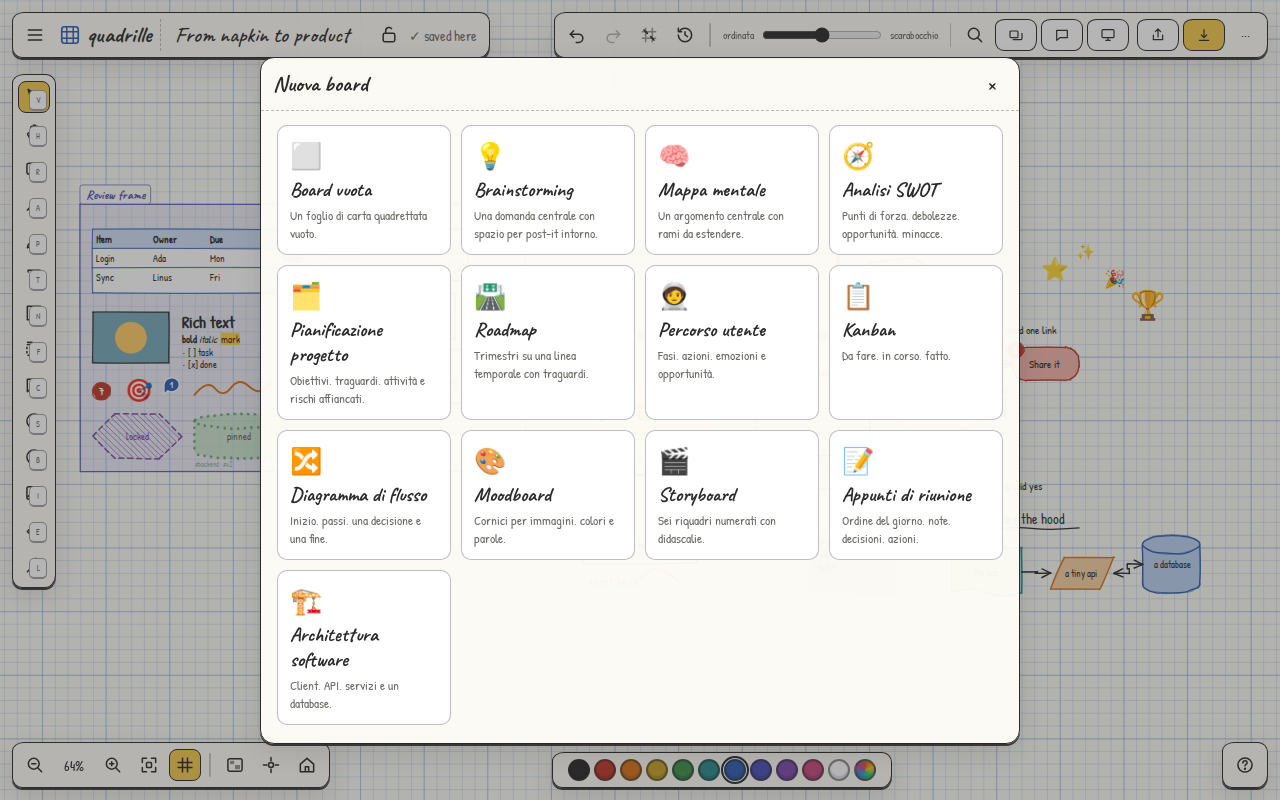
- Templates: brainstorming, mind map, SWOT, roadmap, kanban, storyboard, retrospective and more; save any board as your own template.
- Minimap, fit to view, centre on selection, paper style (graph paper, dots, plain).
Collaborating
- A board shared with a link and a password: Share → a password → "Create the link". Whoever has the link and the password edits the board live with you, from any device, with no account; optionally the link alone opens it in view only.
- With an account (e-mail, Google, Apple or GitHub) every board syncs across your devices, like a notes app.
- Live cursors and presence, a password you can change at any time, an offline queue that syncs when you are back online.
- Offline link: a URL with the whole board inside, for whoever wants nothing in the cloud.
Import and export
- In: Mermaid diagrams, CSV (table), Markdown (notes), OPML (mind map), quadrille JSON, Apple Freeform PDF rebuilt as editable elements, the pages of any PDF as images.
- Out: PNG, JPEG, SVG, PDF or print, JSON and Markdown, of the whole board, the selection or the current view. Scenes export from their panel.
- All your data in one JSON file from Settings → Storage & data, and complete erasure in one click.
From Freeform to quadrilleIn Freeform: Export as PDF. In quadrille: ··· → Import from Apple Freeform. Boxes, sticky notes, arrows, sections, text and photos come back as real elements. See the full comparison →
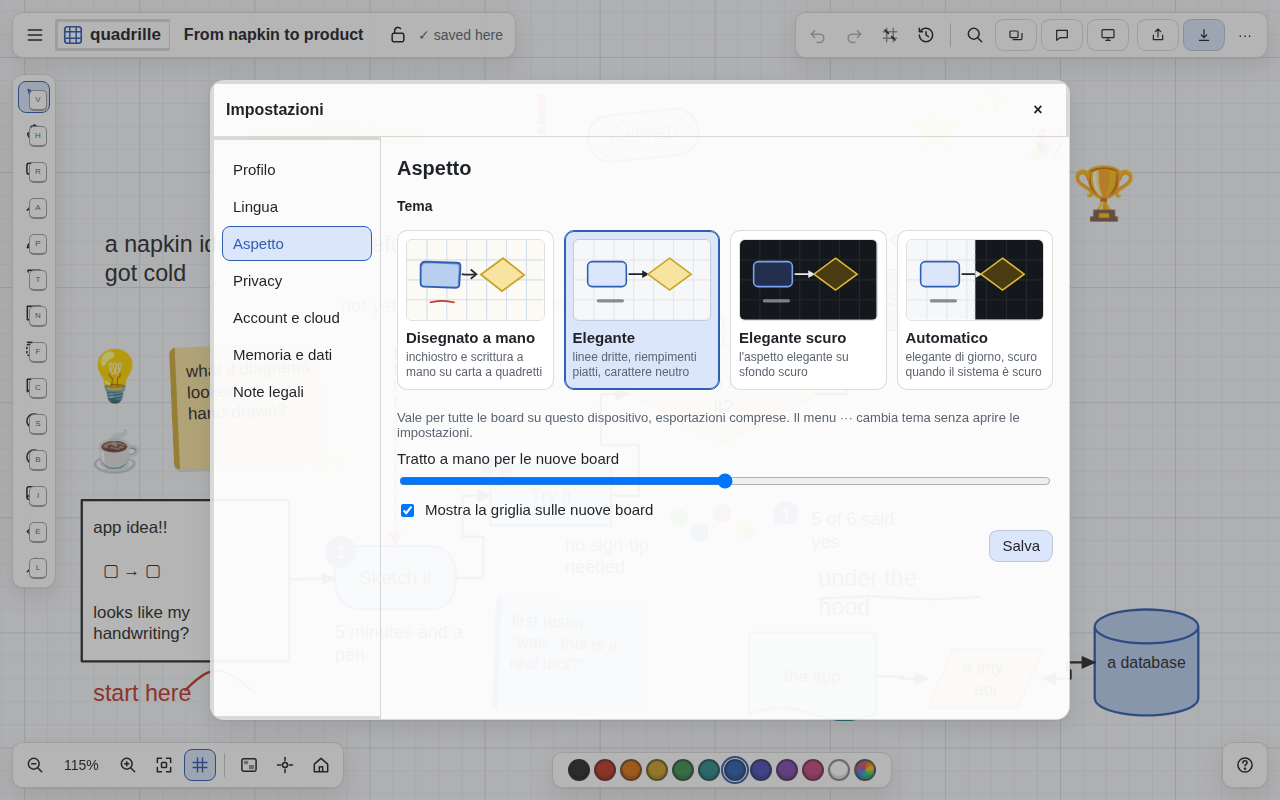
Four themes
- Hand-drawn: wobbly ink, handwriting, graph paper. For thinking.
- Elegant: straight lines, flat fills, the system typeface. For presenting.
- Elegant dark: the same look on a dark window, photos and media untouched.
- Automatic: elegant by day, dark when the system is dark. The choice is per device; boards never change.
Touch, pen and keyboard
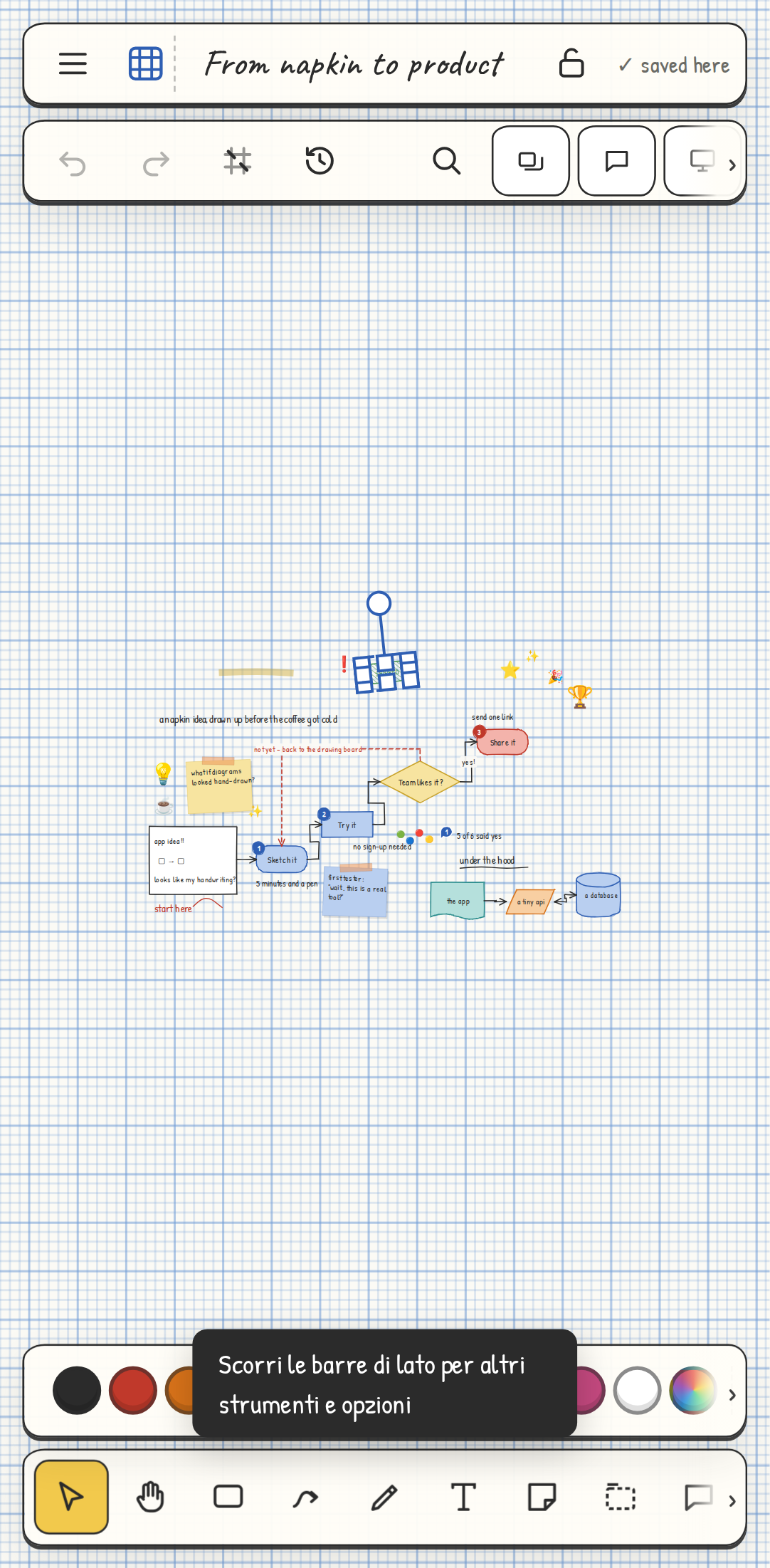
- Pinch to zoom, two fingers to pan, long press for the menu, toolbars that scroll sideways on the phone.
- Stylus pressure on the pen; a resting palm does not draw.
- Every tool has a letter, every action a shortcut; menus are driven with the arrow keys. All the shortcuts in the guide →
- Screen-reader labels, focus rings, reduced motion when the system asks for it.
 quadrille